

How to Use AI Voice Agents With ViciDial for First-Touch Sales Calls
Plan an initial AI conversation with clear ownership of dialing, lead updates, callbacks, and escalation to a human.
The first sales call should establish whether a conversation is welcome and identify a useful next step. An AI voice agent can support that initial contact in a ViciDial operation, but the launch needs more than a prompt and a working telephone number. Dialing ownership, lead eligibility, outcomes, and human escalation all need clear rules.
Treat the first-touch workflow as a controlled campaign. Its purpose is to make an appropriate introduction and capture an accurate response, rather than push every answered call toward a transfer.
Decide which system starts the call
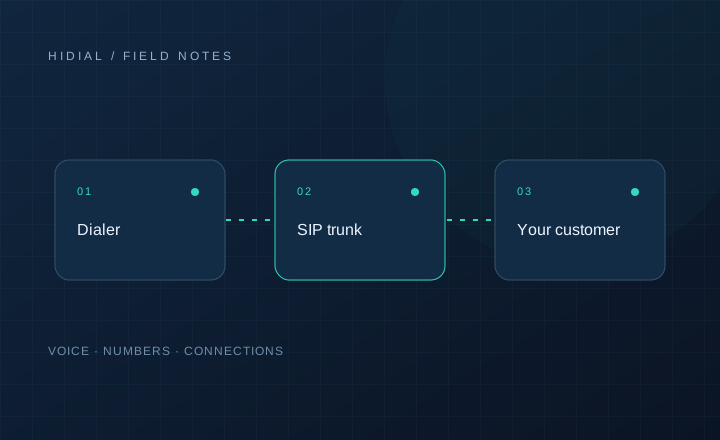
Document the call path before configuring the campaign. One architecture may originate calls through the existing telephony environment and connect answered calls to an AI service. Another may let the AI platform originate calls while a separate integration coordinates eligibility and results with ViciDial.
These designs have different reporting and transfer implications. Neither automatically creates a native AI agent inside the dialer. Confirm how your installed ViciDial version, carrier, and AI provider support the proposed path.
Give one service responsibility for authorizing each dialing attempt. Running two independent schedulers against the same list can create duplicate contact attempts even when both systems appear to work correctly.
Define who can be contacted
Before dialing, apply your campaign's approved consent, suppression, calling-time, and retry controls. An AI voice does not remove the need to review the requirements that apply to the audience, location, and purpose of the call. Have the responsible compliance team approve the use case and script before launch.
Keep eligibility checks close to the dialing decision. A list exported yesterday may no longer reflect a recent opt-out or a completed conversation. Record the source of the contact request and the rule version used to authorize the attempt.
Keep the opening specific
State the business name and the reason for contact without inventing a previous relationship. If the person requested information, refer only to the request your records actually support. Follow the approved approach for identifying the automated assistant and explaining recording where applicable.
A useful opening for a requested business-telecom follow-up could ask whether now is a convenient time to discuss the inquiry. It should not assume the person wants a quote, has authority to buy, or remembers submitting a form.
After the introduction, ask the minimum questions needed to choose a next step. Support interruptions, refusal, wrong numbers, and requests for a human. Avoid repeatedly steering the caller back to a sales question after they have declined.
Record outcomes that drive the next action
Distinguish no answer, technical failure, wrong person, not interested, callback requested, and ready for a specialist. Map these outcomes to approved dialer or CRM statuses through your integration rather than creating a second set of conflicting records.
Store the call identifier alongside the lead identifier. Record a callback's local time and timezone explicitly, and confirm what the person requested. A vague note such as “call tomorrow” is insufficient for scheduling across locations.
For asynchronous results, design the event receiver to tolerate repeated delivery. Retell's webhook documentation distinguishes call completion from later analysis; a final analysis should enrich the record without reactivating a completed lead.
Test the uncomfortable cases
Use internal test numbers to check voicemail, silence, background noise, unexpected questions, and an unavailable sales team. Confirm that a hangup stops the workflow and that a failed data update does not authorize another immediate attempt.
Review first-touch performance using accepted handoffs, accurate outcomes, complaints, and cost per useful next step. Answered-call counts alone do not show whether the workflow helped the customer or the sales team.
Contact HiDial with your ViciDial deployment, carrier, and intended AI provider to discuss a limited first-touch pilot.